


Latest Version
明碧 张
Communication
Mac
Free
6770224218
Report a Problem
More About App for Facebook Messenger
A Smarter Way to Manage Your Social Inboxes on macOS
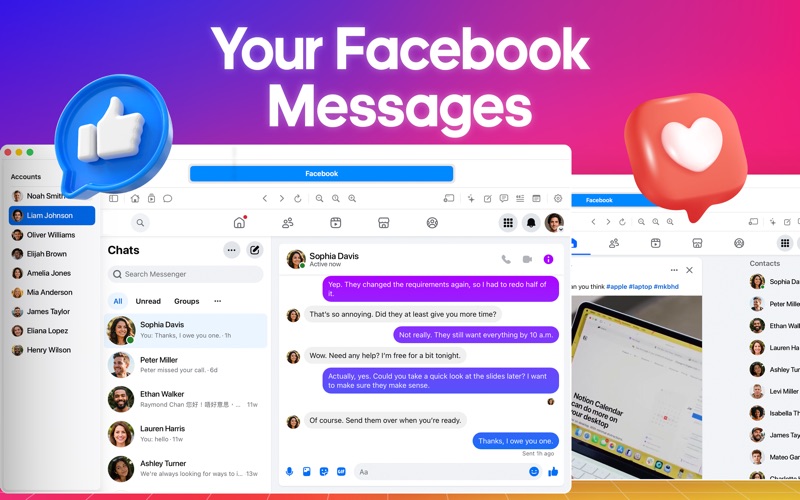
If you are tired of keeping dozens of browser tabs open just to monitor different social media profiles, the App for Facebook Messenger social workspace offers a highly efficient alternative. Developed by Mingbi Zhang, this dedicated Mac utility is designed specifically to consolidate your communication channels and social browsing into a single, cohesive desktop interface. Instead of constant tab-switching, users can access their messages, feeds, and activity streams from one streamlined dashboard.
Unlike basic wrappers, this application focuses heavily on workflow optimization, offering native macOS performance alongside deep multitasking tools. It provides a structured environment that respects your desktop layout while keeping your essential communication channels organized.
Key Features of the App for Facebook Messenger Social Workspace
This software goes beyond simple messaging integration by offering a suite of productivity-focused features built directly into the desktop experience:
- Isolated Account Sessions: Every account you add runs in its own isolated container with separate cookies and login states. This means you can stay signed into multiple profiles on the same platform simultaneously without interference.
- Integrated AI Writing & Summary Tools: Leverage intelligent tools to summarize long chat histories or page feeds instantly. You can also generate context-aware replies or compose new messages from scratch, adjusting the tone to fit casual, friendly, or professional conversations. Note that these AI capabilities require compatible Apple Intelligence hardware and software.
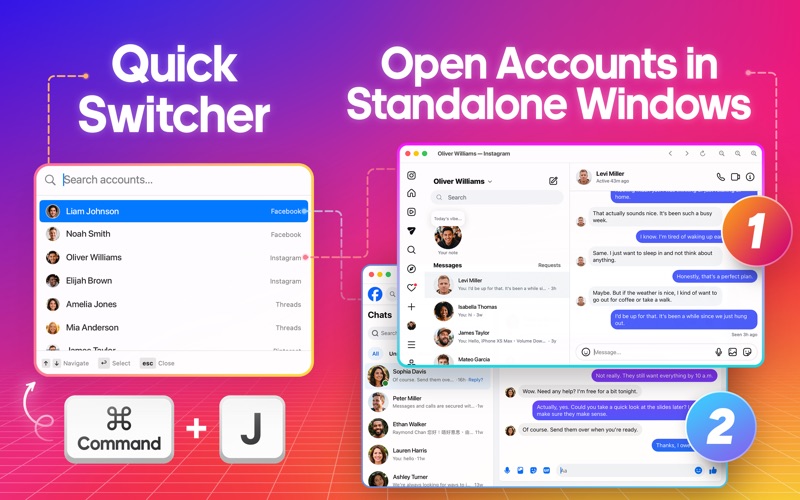
- Seamless Navigation & Quick Switcher: Navigate your workspaces with speed. Using the Spotlight-style Quick Switcher (Cmd + J), you can instantly search for and jump to any account using your keyboard.
- Independent Window Pop-outs: Need to keep a specific conversation visible while working in another app? You can pop any account out into its own standalone desktop window.
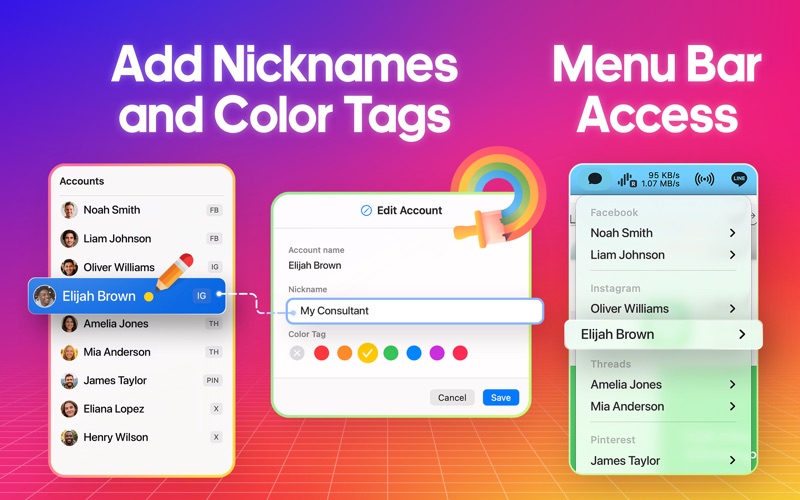
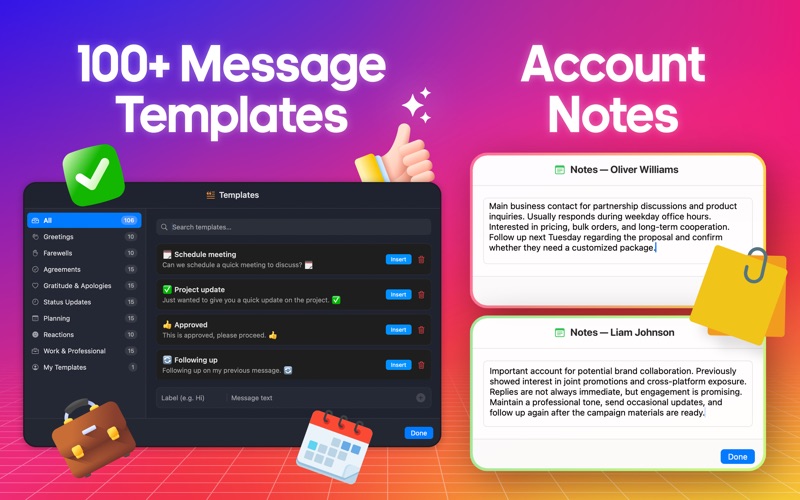
- Customization & Organization: Personalize your sidebar with custom account labels, color tags, and notes. You can also hide unused platform tabs and set custom startup destinations like your direct messages or main feed.
Who Is This Desktop Client For?
The App for Facebook Messenger social workspace is tailored specifically for social media managers, remote professionals, and power users who coordinate across multiple digital profiles daily. By integrating over 100 reusable message templates, fast navigation controls, and an optional menu bar helper, it significantly reduces the friction of daily online communication. The addition of custom notes per account ensures that critical client details or context-specific reminders are always within arm's reach.
Our Editorial Verdict
For macOS users seeking to reclaim their browser real estate and streamline their communication workflow, this application provides an exceptionally organized, feature-rich environment. It successfully transforms chaotic browser tabs into a structured desktop command center.
To explore this productivity tool further and see how it can enhance your daily workflow, visit the official Apple App Store to view the application details.
Rate the App
User Reviews







Popular Apps










Editor's Choice