

Latest Version
PANDORATV Co.,Ltd
Media
iOS
Free
835776444
Report a Problem
More About KMPlayer Media Player Review
An All-in-One Playback Solution for iOS
Finding a reliable mobile player that handles diverse file formats without stuttering can be a challenge. The KMPlayer media player by PANDORATV Co.,Ltd addresses this need directly, offering iOS users a robust, feature-rich environment for video and audio playback. Whether you are watching high-resolution movies or listening to high-fidelity audio tracks, this application serves as a versatile hub for your local and cloud-based media libraries.
Key Features of the KMPlayer Media Player
What sets the KMPlayer media player apart is its deep customization suite. Instead of just playing files, it gives you complete control over how you consume your media:
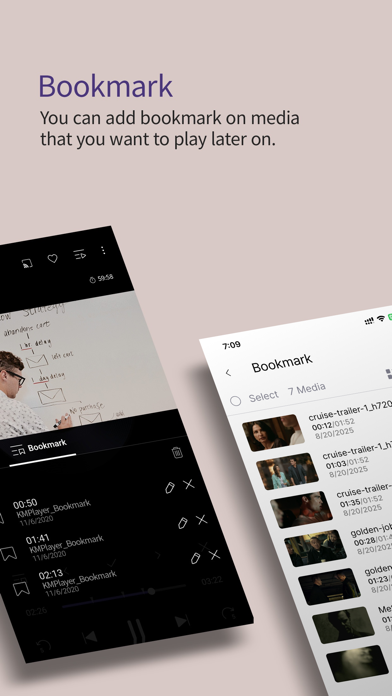
- Advanced Playback Controls: Easily adjust the playback speed, repeat specific sections from point A to point B, or set bookmarks so you can instantly jump back to your favorite scenes.
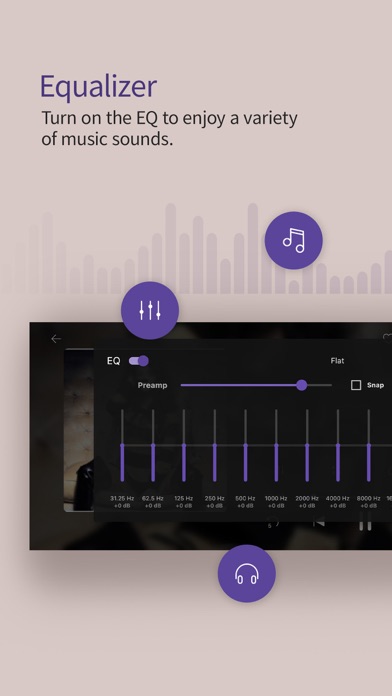
- Visual and Audio Fine-Tuning: Customize your viewing experience by adjusting brightness, contrast, saturation, and hue. An integrated equalizer allows you to save distinct profiles for both music and video files.
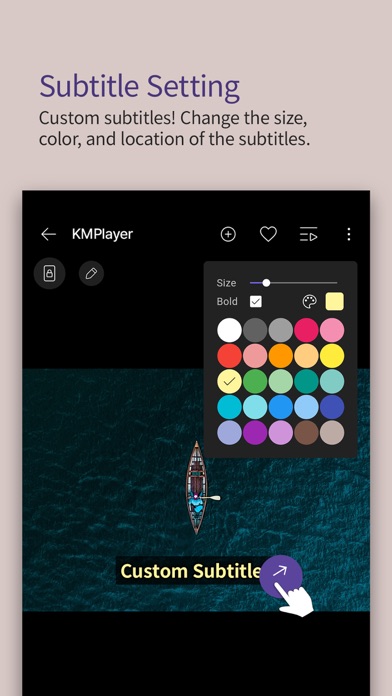
- Broad Subtitle Support: The app supports a wide range of subtitle formats (including SRT, SMI, SSA/ASS, and VTT), allowing you to customize their size, color, and positioning on screen.
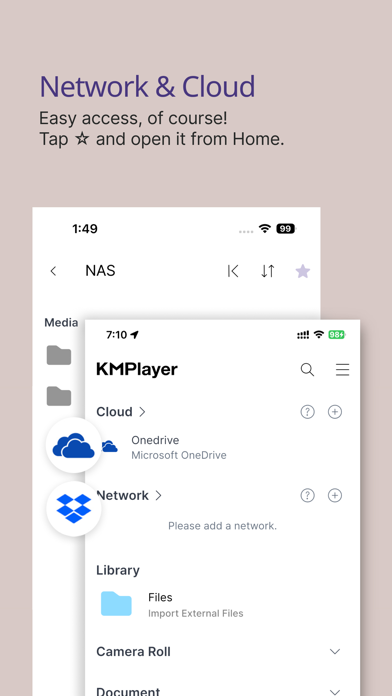
- Seamless Network and Cloud Integration: Access your media files directly from cloud storage platforms like Google Drive, Dropbox, and OneDrive, or connect to local servers via FTP, SMB, WebDav, and UPNP.
Supported Formats and Technical Details
The KMPlayer media player is designed to run smoothly on iOS devices, accommodating a vast array of file extensions. You can play video and audio formats such as MP4, MKV, AVI, MOV, WMV, MP3, WAV, FLAC, and AAC. However, users should note that due to licensing policies, certain proprietary audio and video codecs (like DTS, EAC3, TrueHD, and DivX) are not supported.
Is This the Right Media Player for You?
If you frequently stream content from personal network servers or require detailed subtitle customization, the KMPlayer media player is an excellent choice. It eliminates the need to convert files beforehand, saving you time and device storage. While it does require permission to access your device's local storage to retrieve your media files, it handles your library with professional-grade performance.
To experience these advanced playback features firsthand, you can find the application available on the official App Store.
Rate the App
User Reviews




Popular Apps










Editor's Choice